Simple NodeGroup Management
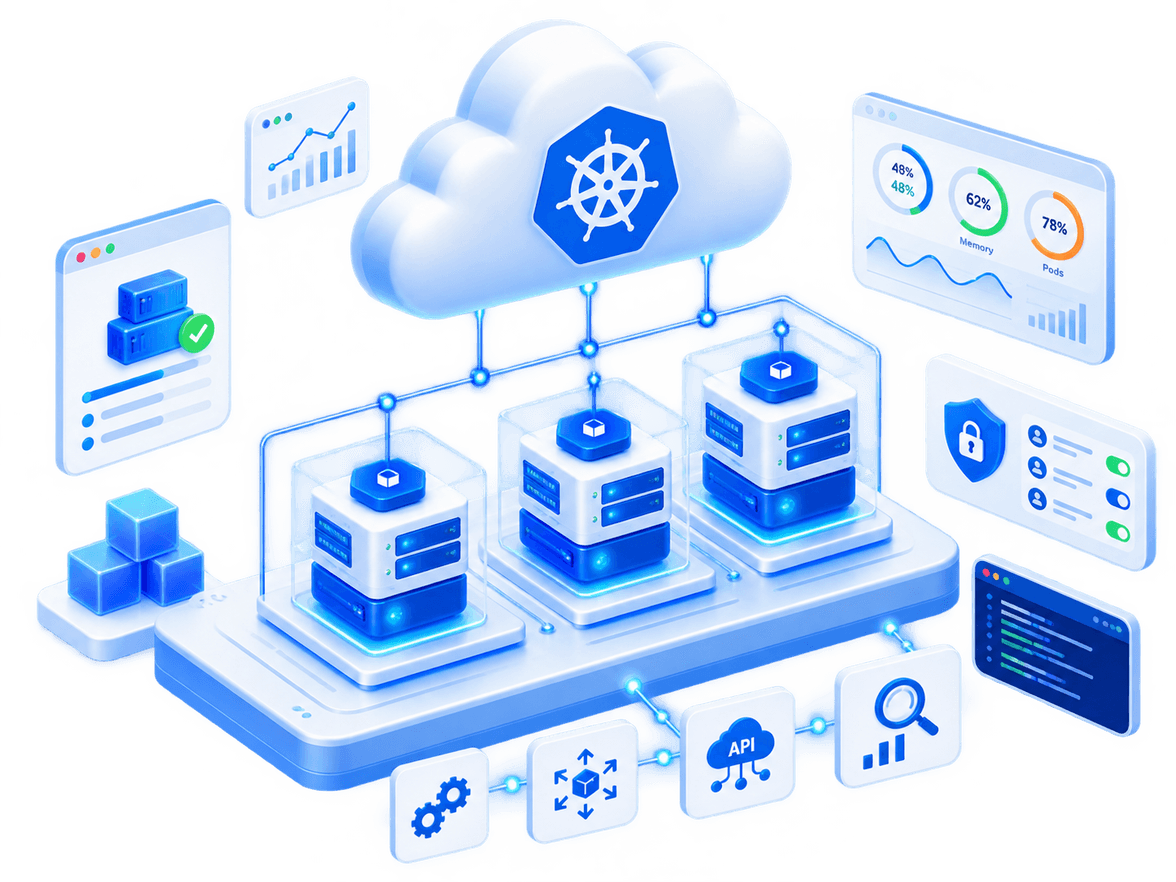
Define a separate NodeGroup for each part of your architecture and manage its resources according to workload type.


With Kubit KaaS, skip the complexity of setting up and managing Kubernetes: build your clusters fast, manage resources with ease, and get a stable, scalable environment for running your containerized services without needing a dedicated technical team.
 Just a Few Clicks
 Auto Scaling
 Precise Monitoring & Logging
 Various Add-ons
 24/7 Support
Kubernetes is a powerful platform for running containerized applications, but setting it up and managing it can consume your technical team's time and resources. Kubit KaaS makes this path simple.
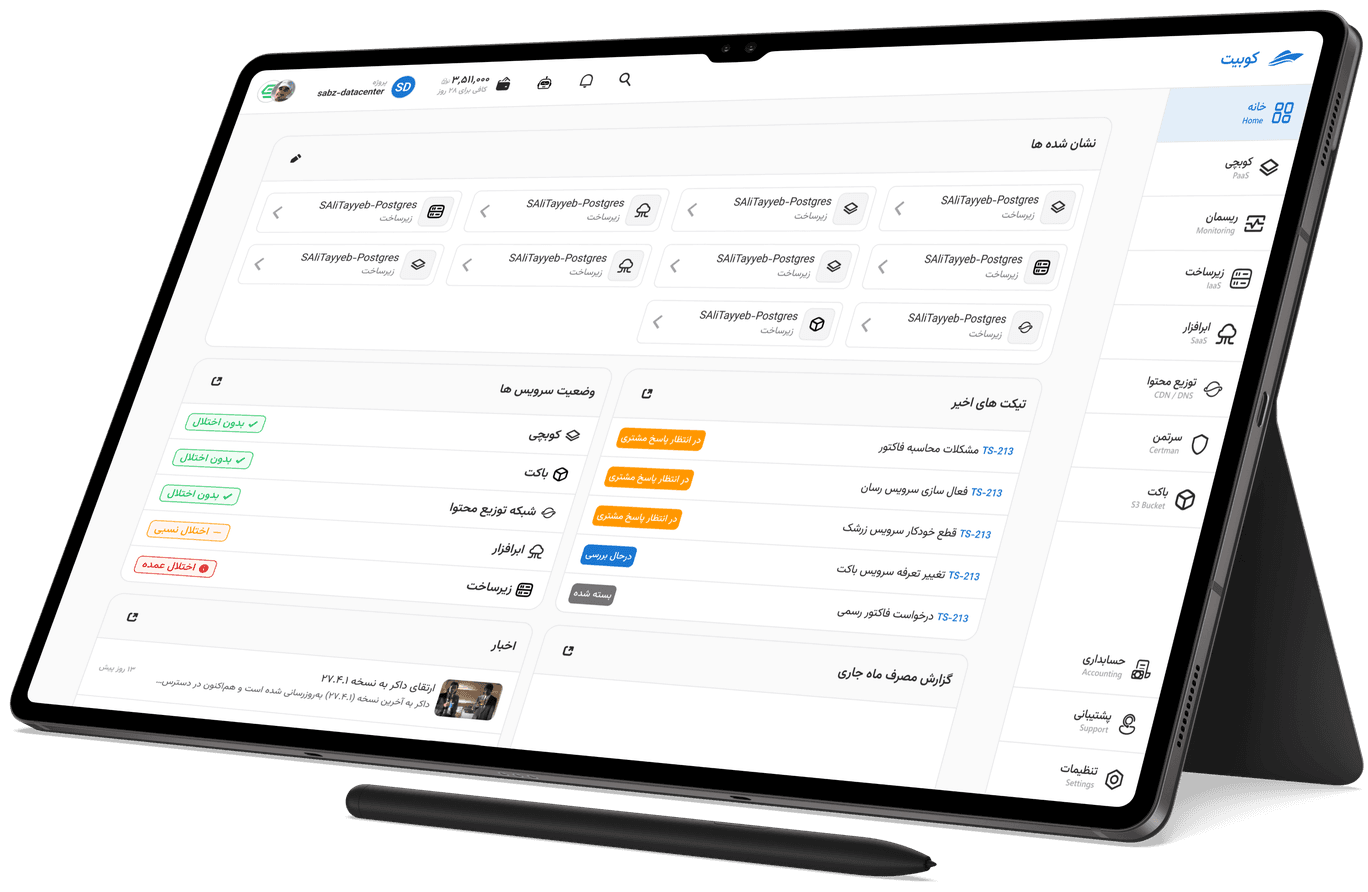
With the Kubit panel, you can create your Kubernetes cluster, manage resources based on your needs, monitor cluster status without dealing with the complexities of initial setup, and enable the add-ons you need.
Kubit KaaS is designed for running microservices, APIs, CI/CD pipelines, and production workloads, so technical teams can focus on developing and delivering their service instead of managing infrastructure.
Choose the Kubernetes cluster specifications and required settings through the Kubit panel and create your cluster.
Create the NodeGroups you need and set the number and type of nodes in each group according to your workload.
Popular Kubernetes capabilities like Ingress, Cert Manager, and StorageClass are available as add-ons without setting them up from scratch.
Deploy your workloads on the ready cluster and scale resources up or down anytime based on your needs.
Define a separate NodeGroup for each part of your architecture and manage its resources according to workload type.

Workload resources can automatically increase and decrease so your applications always have the capacity they need.

Popular Kubernetes capabilities such as Ingress, Cert Manager, Log Collection, and StorageClass are available as add-ons, without setting them up from scratch.

Watch your cluster status and stay aware of your infrastructure's behavior using monitoring and log collection tools.

Create clusters, manage NodeGroups, and monitor and manage add-on status, all through the Kubit panel.

For services that need persistent storage, use StorageClass and persistent volumes on the cluster.
If you want to review network settings, NodeGroups, Auto Scaling, add-ons, and how Kubernetes is managed in Kubit KaaS before creating a cluster, check out the technical documentation.