

Organization and access
Organization settings let you manage information, members, groups, projects, and access. Visible options depend on your permissions and the organization's enabled features.
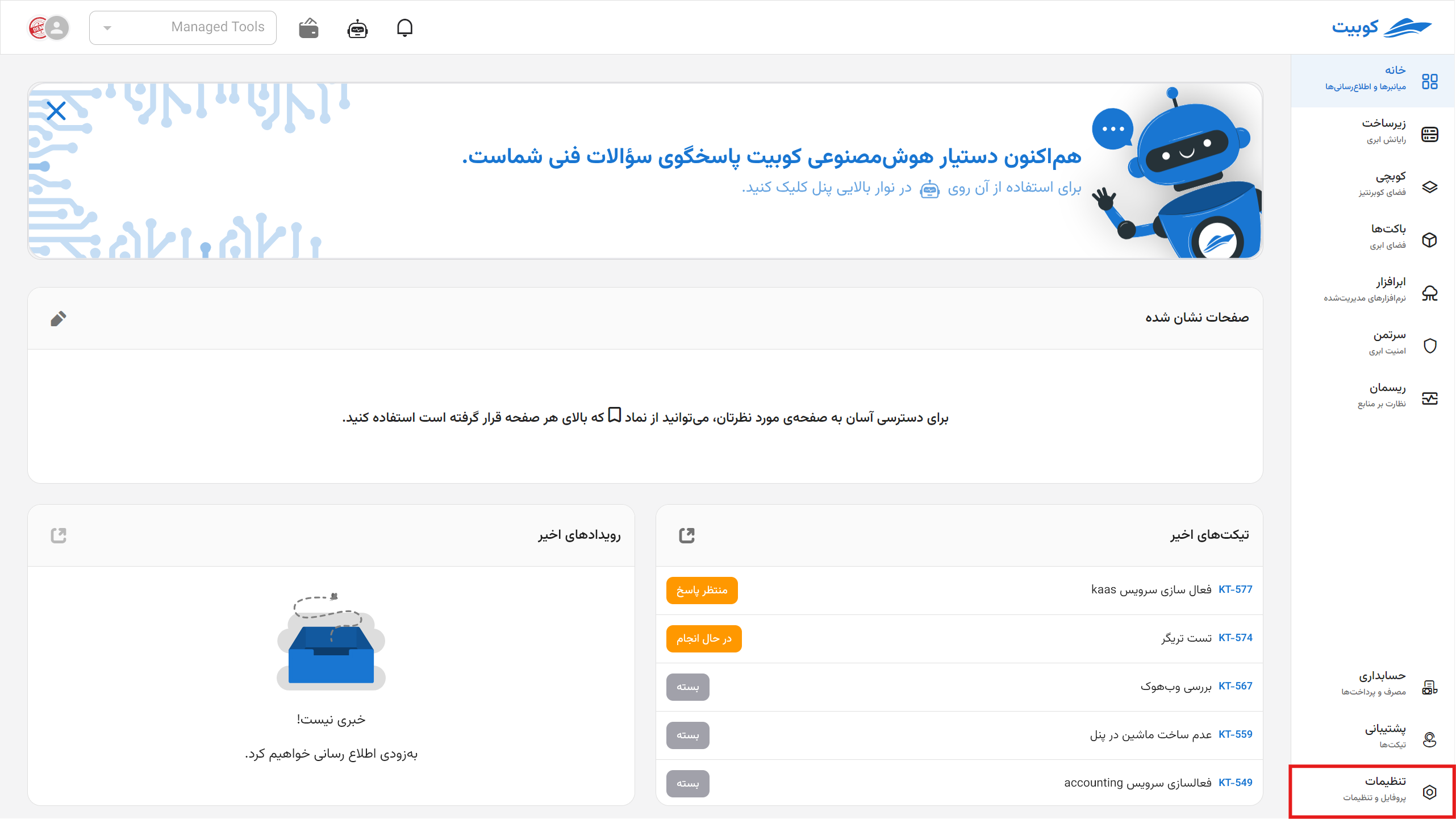
Organization information
Organization settings explains how to change the organization name and logo and inspect enabled services. Personal account and member-profile details are managed elsewhere; see Which profile page should I open?.
Members and invitations
See How members are added for Kubit invitations, LDAP, and SAML; Accept an invitation for invitation links; and Assign a direct role for personal access.
Groups
See Create a group, Add or remove members, and Grant group access.
Projects
See Create a project, Connect a service, and User and group access.
Roles and permissions
Start with Permissions and roles. The guide also covers custom role creation and role assignment.
Sign users in to your service
To let organization members sign in to your application with Kubit, read What is OIDC? and Create an OIDC client. This differs from LDAP or SAML organization sign-in.