

Sign in to your Kubit account
You can sign in with your Kubit account or start from a specific organization. The right method depends on your identity and the organization's configuration.
Kubit account sign-in is suitable for most users. Use organization sign-in when your company has a dedicated sign-in method and you know its organization slug.
Sign in with a Kubit account
Open the Kubit sign-in page. Enter your account email, phone number, or username and select Sign In.
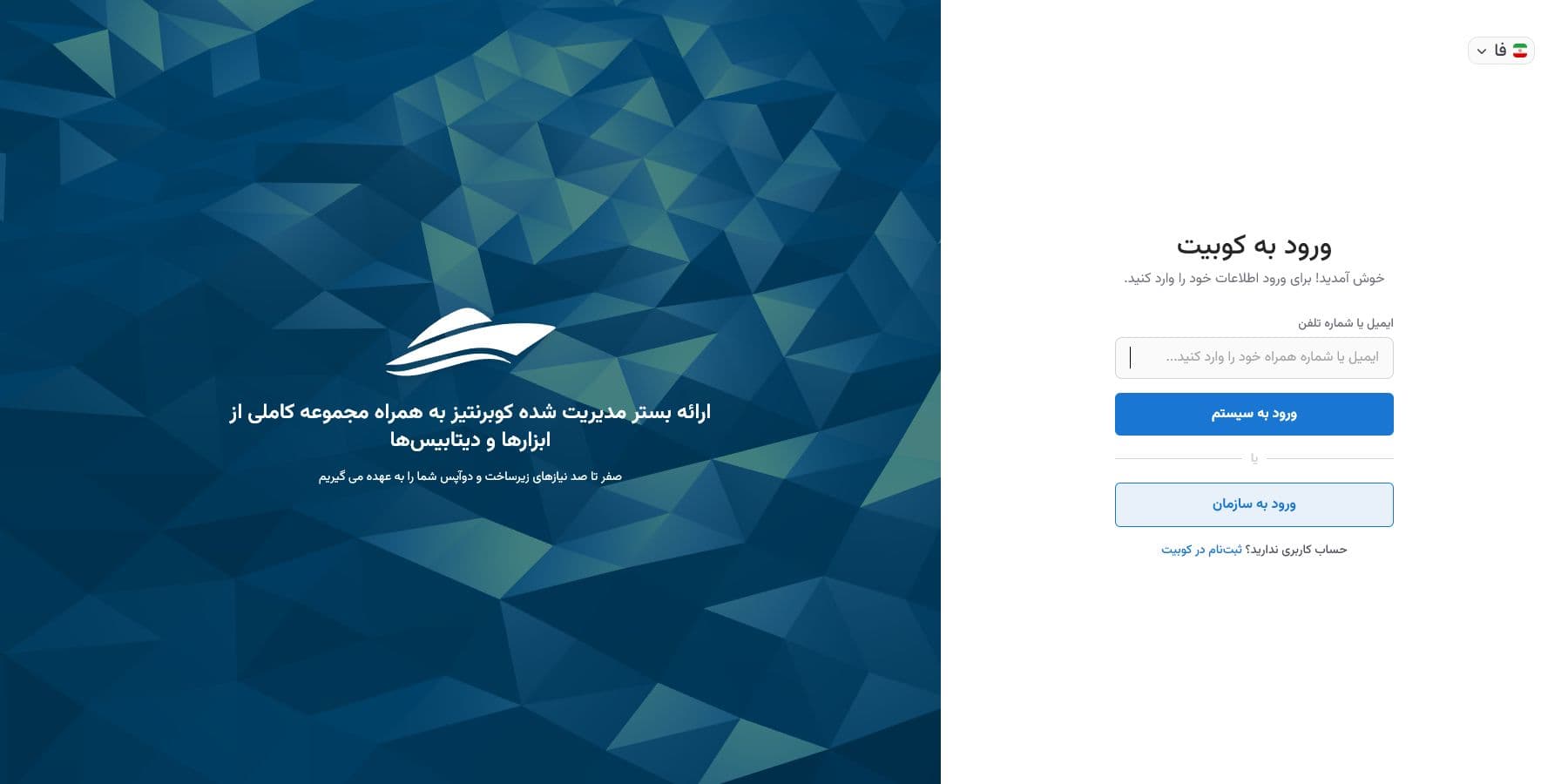
Kubit then displays the available verification method. If the account has a password, enter it and select Sign In again. You can instead choose Sign in with a verification code, or use Forgot Password when necessary.
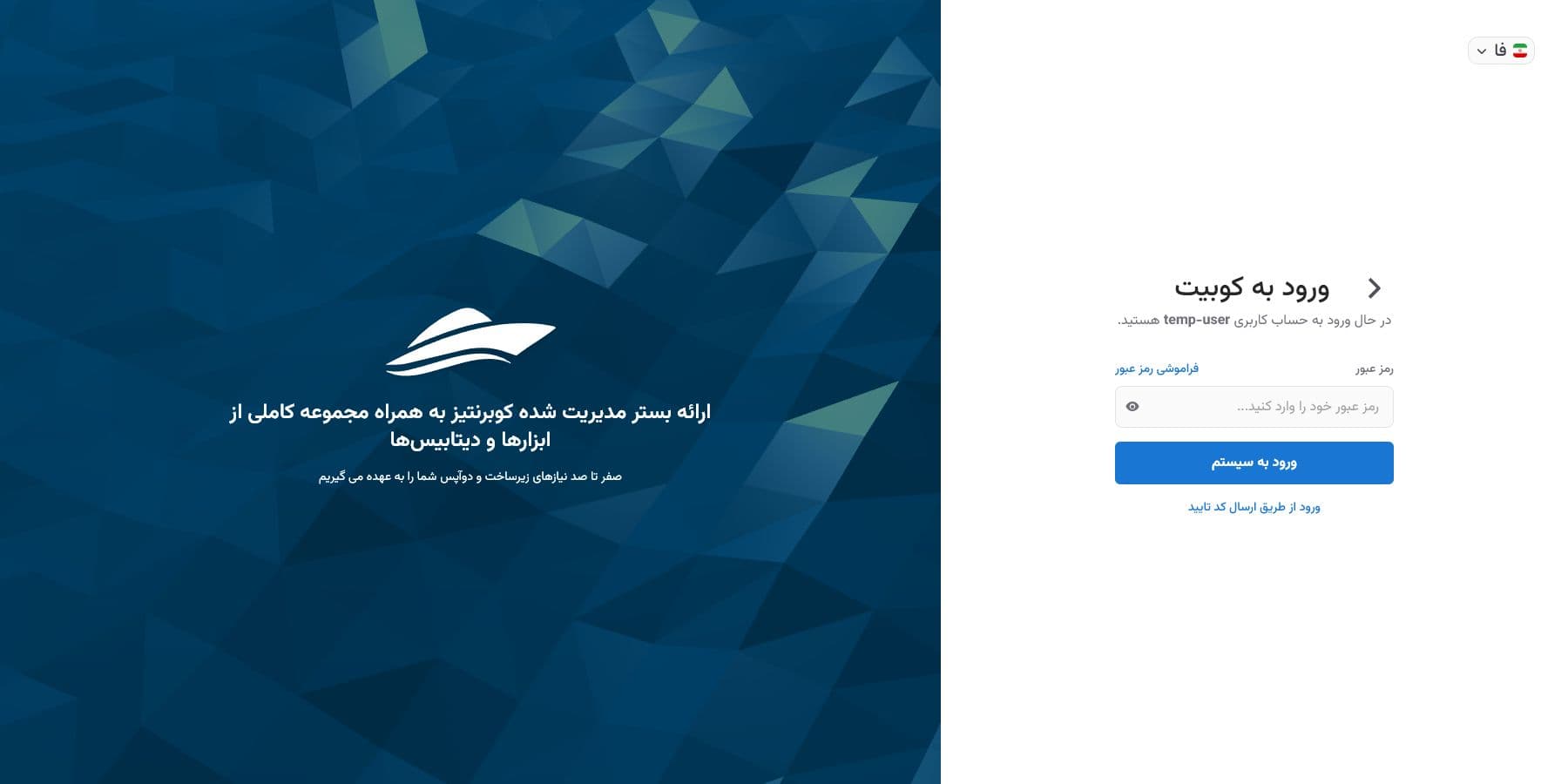
After verification, Kubit opens your account. If you belong to several organizations, select the one you want from the account page.
Organization sign-in
Organization sign-in is available when dedicated authentication is enabled for that organization. Select Organization Sign-In, enter the slug supplied by the administrator, and continue.
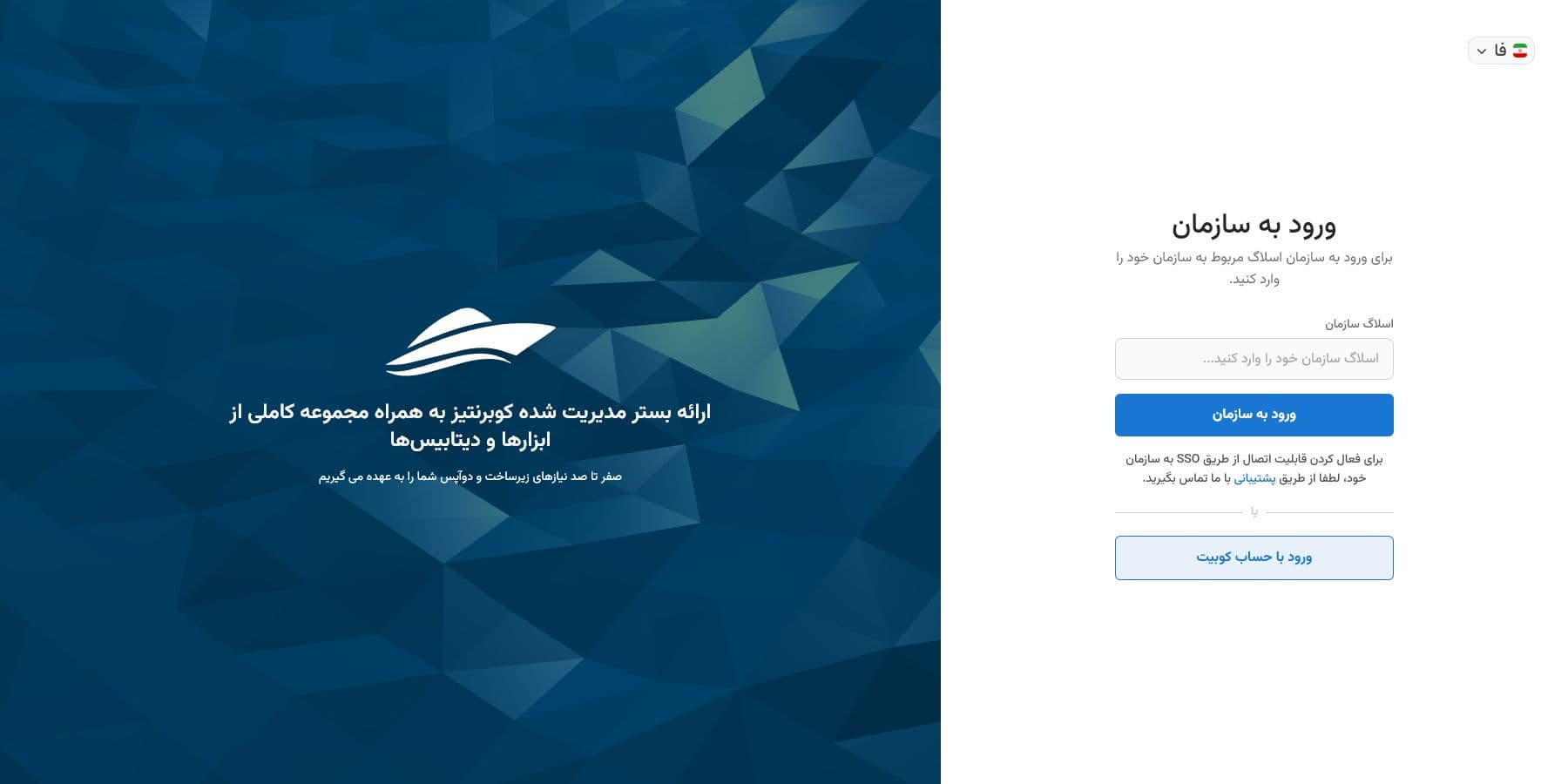
If the slug is valid, Kubit displays the organization's name and logo. Check them before entering credentials so that you know you are using the intended organization.
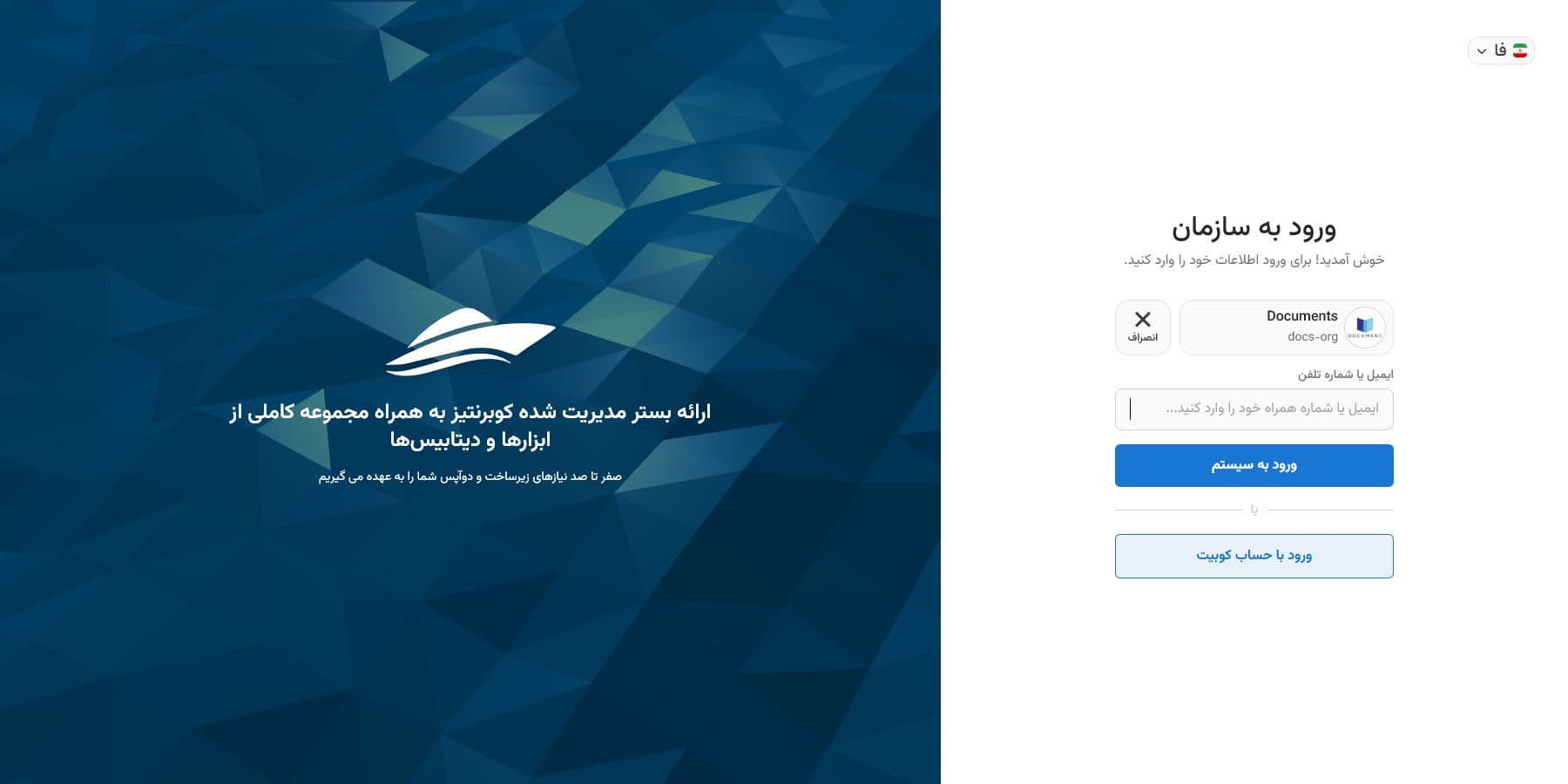
Sign in with LDAP
When LDAP is enabled, the form displays Username and Password together. These credentials belong to your company identity and may differ from your Kubit account. Successful authentication opens the organization panel.
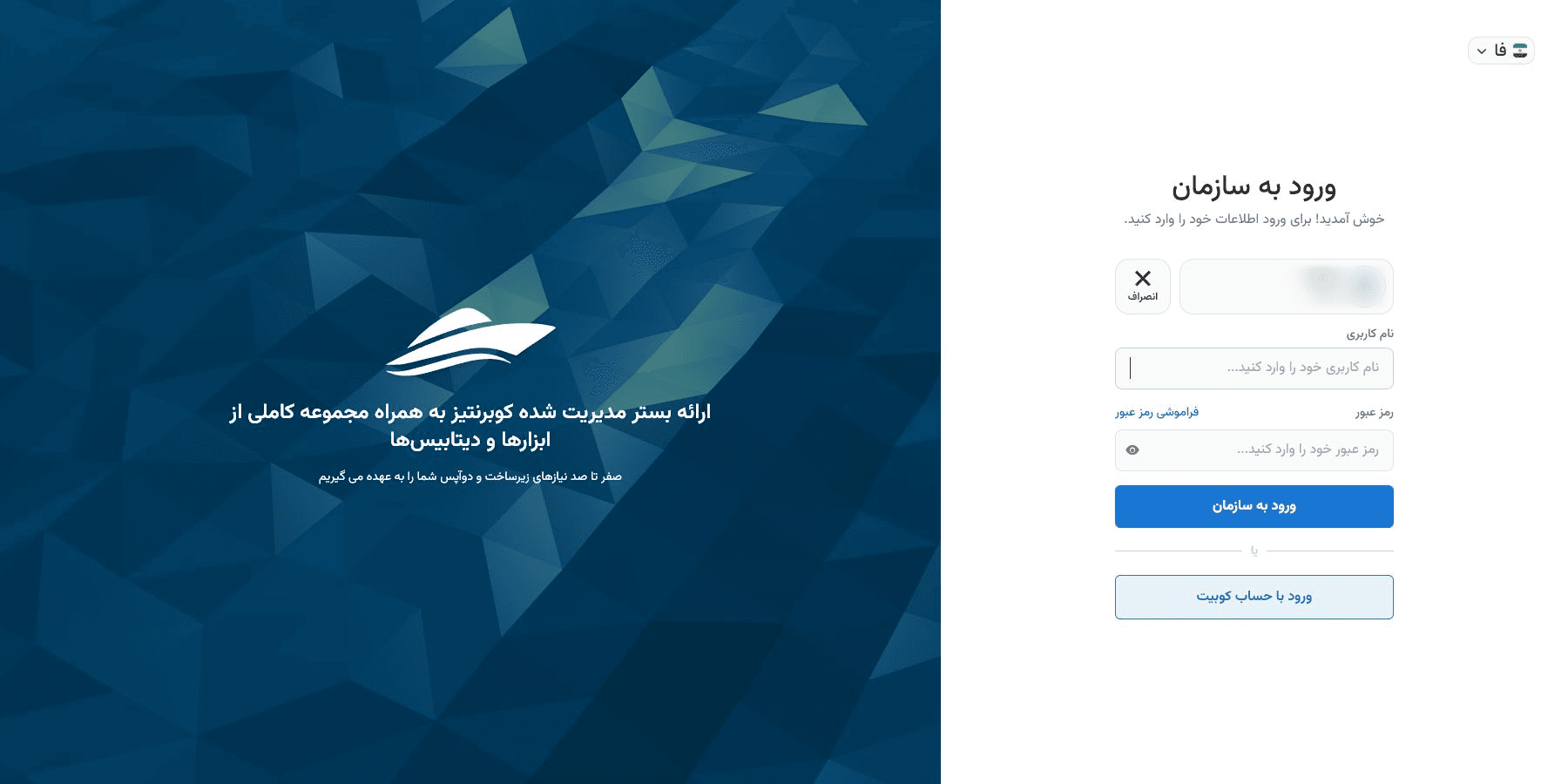
Sign in with SAML
With SAML, Kubit does not display username or password fields. After you enter the organization slug, your company's identity-provider page opens automatically. Sign in there, and the provider returns you to the Kubit organization.
LDAP and SAML are organization-specific services. Their configuration is not available in the public panel; coordinate activation or changes with Kubit support.
If the wrong organization appears, cancel and enter the correct slug.
Password recovery
For a Kubit account, see Recover a Kubit account password. The guide also covers LDAP password recovery and SAML password recovery.
Sign in from an invitation
Open the organization invitation link. If you already have a Kubit account, sign in so that the invitation can be checked for that account. Otherwise, Kubit sends you to Enter your account information, then resumes the invitation after registration and verification.
Common sign-in errors
If Kubit cannot find the account, recheck the identifier. Enter email and username with Latin characters and use the same phone-number format used during registration.
After repeated failures, Kubit may display a security code. Enter the image text or refresh it. If an organization slug is rejected or dedicated sign-in is unavailable, confirm the slug and method with the organization administrator.