

Create an organization in Kubit
An organization is an independent workspace for members, projects, resources, and access. To use panel services, you must enter an organization that you created or joined by invitation.
Creating an organization is different from joining an existing one. If you have an invitation, follow it instead of creating another organization.
Before creating an organization
Sign in with your Kubit account and prepare a recognizable name and a short slug. The slug appears in organization URLs and cannot be changed later. Use lowercase Latin letters, numbers, and hyphens, and choose a value that is not already in use.
An organization logo is optional. You can add one now or later.
Create your first organization after registration
After confirming registration, Kubit displays the organization form. Enter the name and slug, review them, and select Confirm and Create Organization.
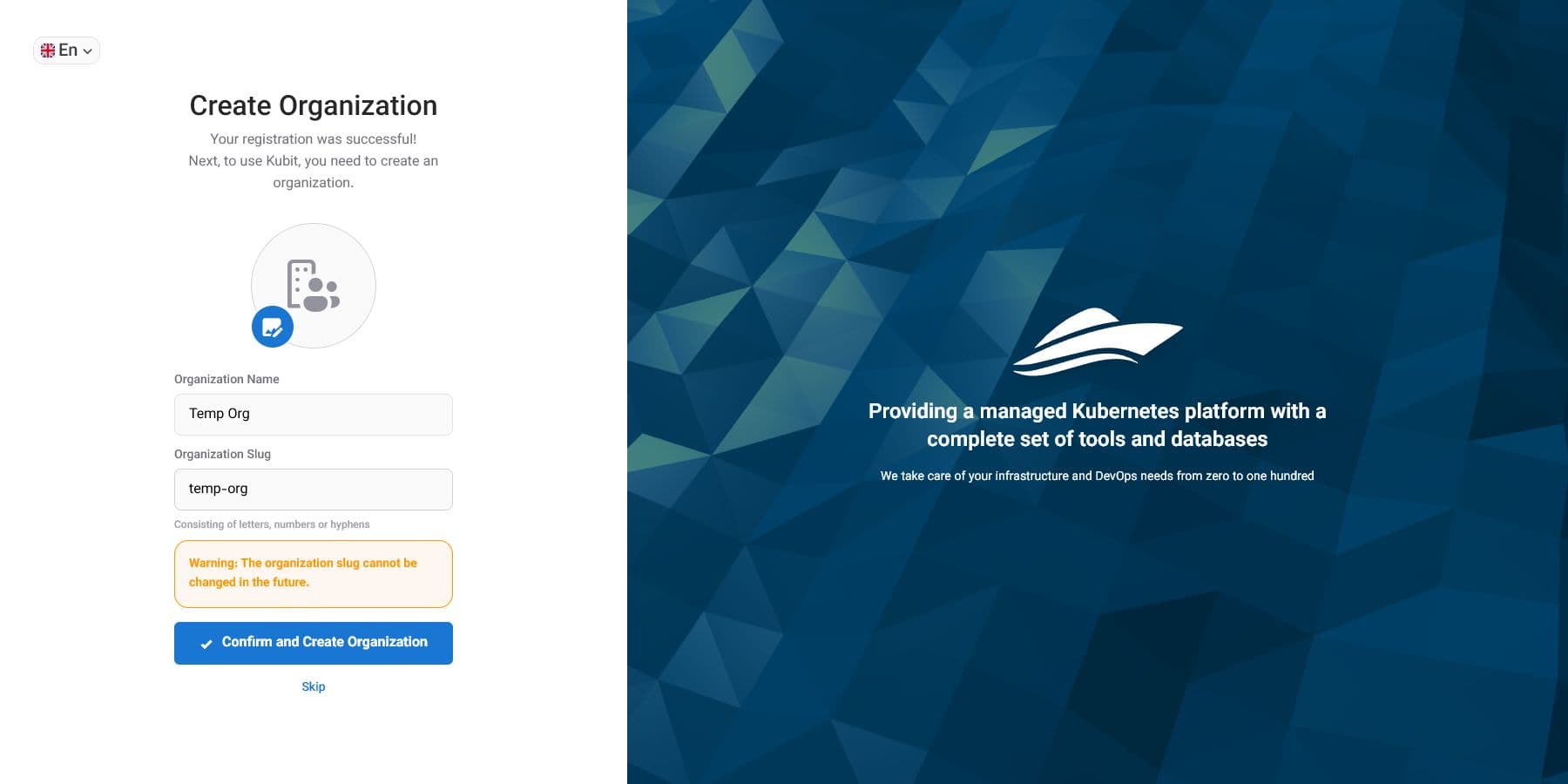
Select Skip if you are not ready. Your account remains available, and you can create an organization later from the account page.
Create an organization later
Sign in and open the account page. If you do not have an organization, the page displays the create action. You can also open the organization creation page directly if your account may create organizations.
If you already belong to another organization, return to the account page from the profile menu and select Create Organization. Signing in to another organization joins or opens an existing organization; it does not create one.
After creating the organization
Kubit activates the new organization and opens its panel. The creator becomes the organization owner and can manage initial settings, members, and access.
Inviting members, creating groups, defining roles, and granting project access are separate tasks. Creating an organization does not grant anyone else access.
If the slug is rejected
Use only lowercase Latin letters, numbers, and hyphens. Spaces, Persian letters, and other characters are not accepted. If a valid slug is rejected, it may already be in use; choose a different short slug.