

Kubit account panel
After sign-in, Kubit lists the organizations available to you. Selecting one opens its panel and displays the active organization's name.
Every panel action applies to the active organization. Check it before creating resources, inviting members, or changing access.
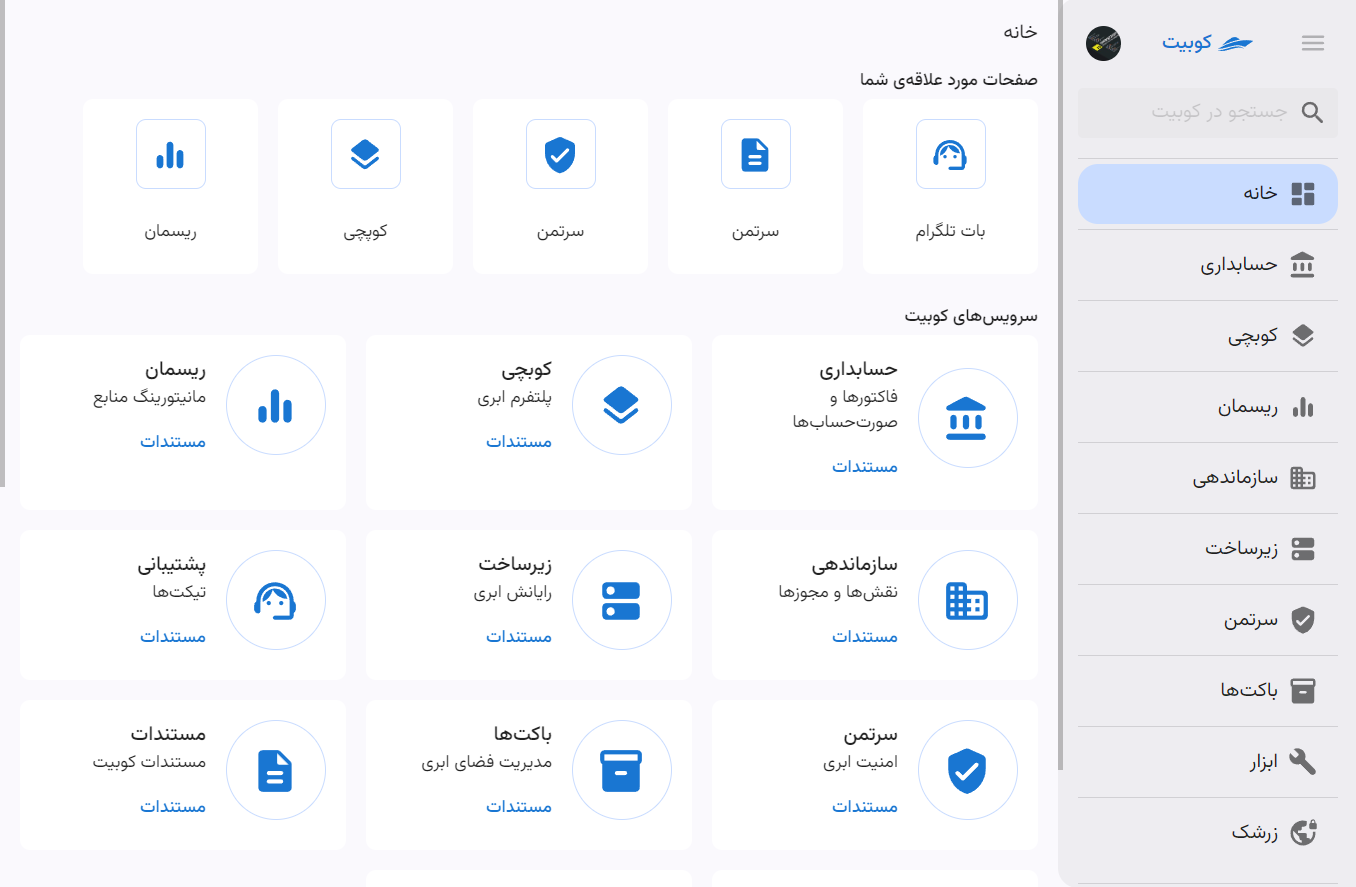
If you do not have an organization
An account without an organization can still open the account page, but it needs an organization to use panel services. Create one or accept an invitation.
See Create an organization later. If you have an invitation, open its link so Kubit can verify your membership.
Panel menu
The sidebar contains organization services and management sections. Visible options depend on enabled services and your permissions.
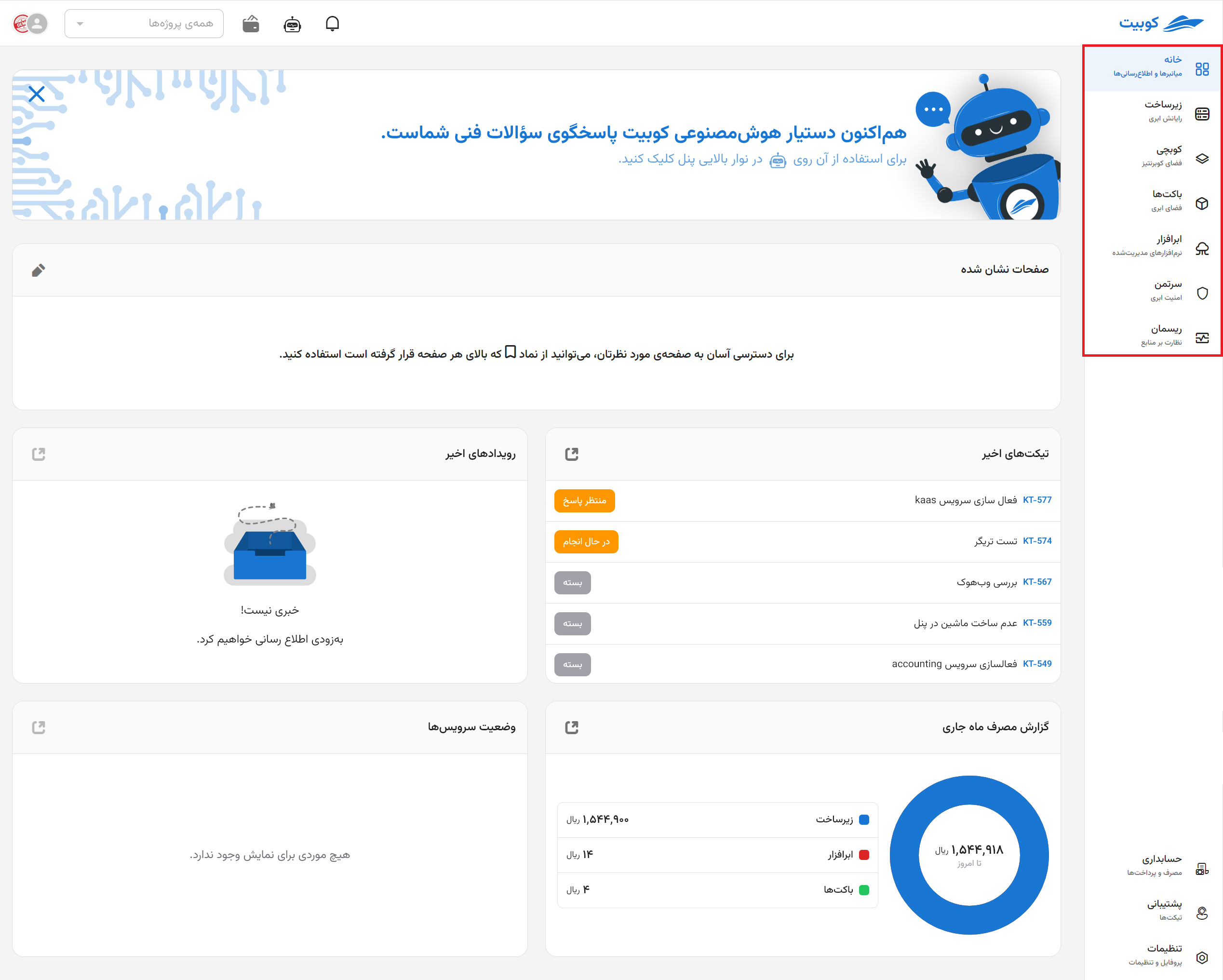
A missing option does not necessarily mean that the service is disabled; your role may not permit viewing or managing it.
Profile and account page
The profile menu provides account settings, the organizations page, and sign-out. Email, phone number, password, and account-security settings belong to your Kubit identity.
When you use LDAP or SAML, an SSO label may appear beside the organization. It describes the sign-in method, not your access level.
Switch organizations
Open the account page from the profile menu. It lists every available organization so you can open the required panel.
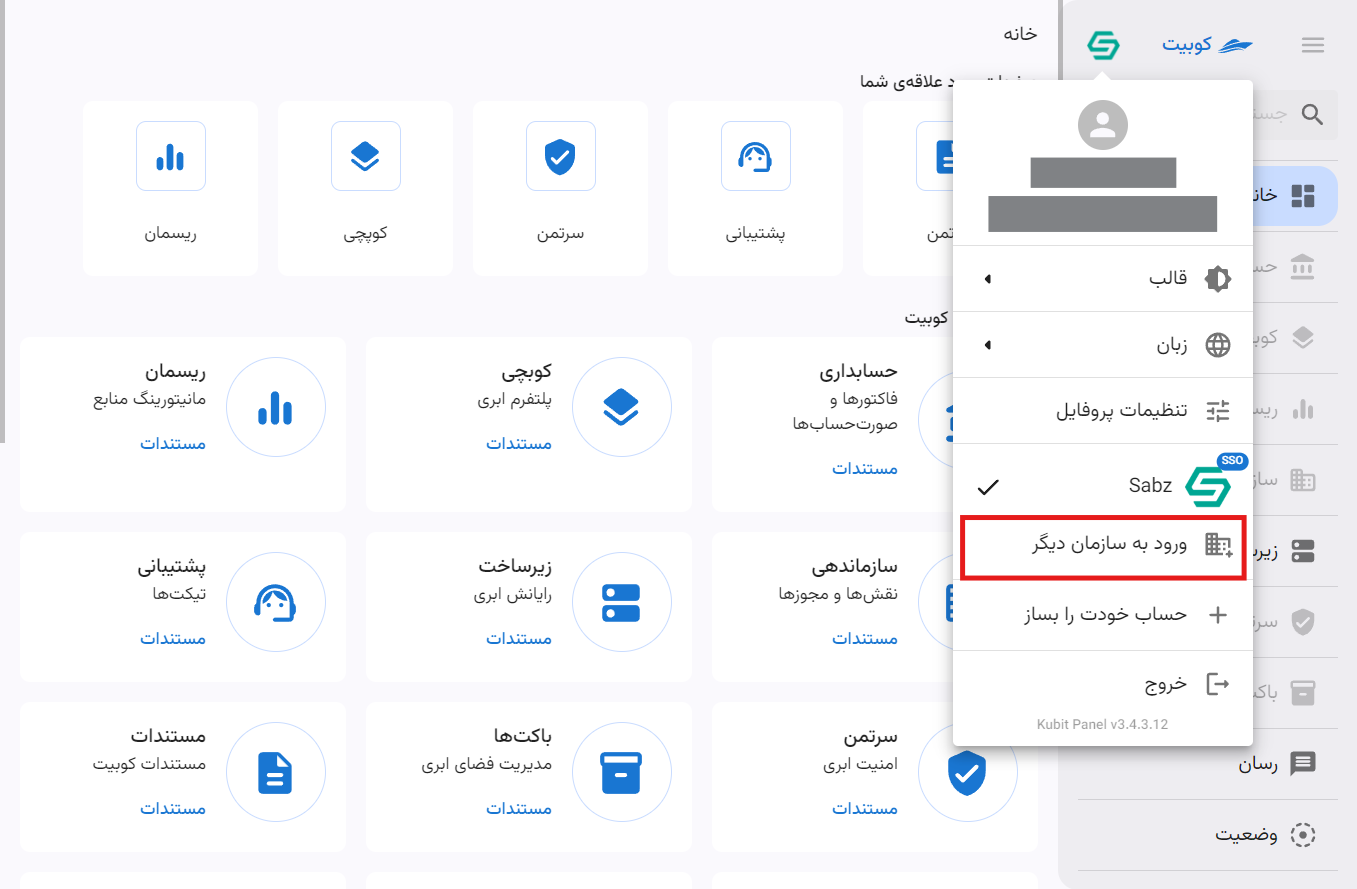
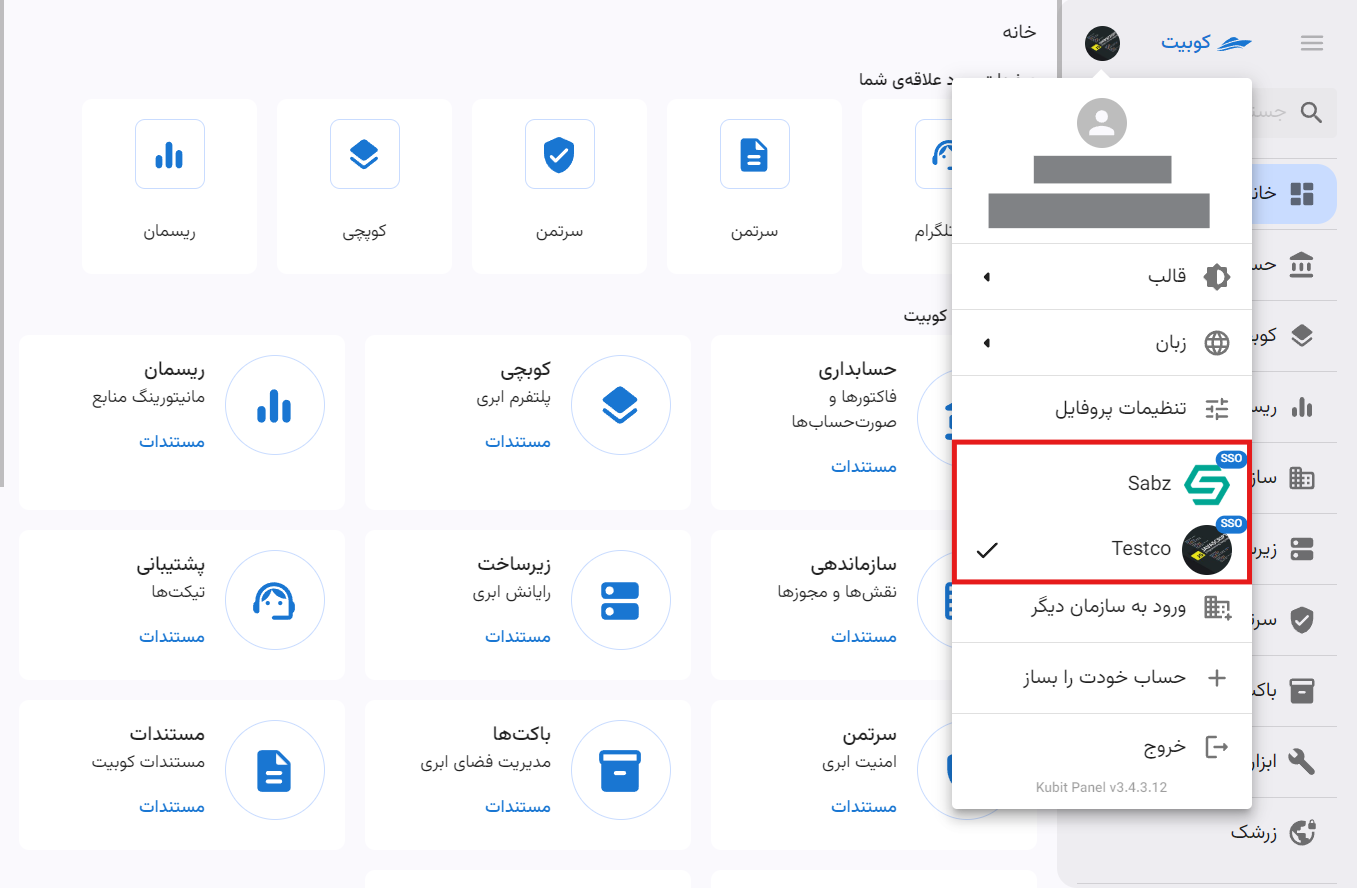
If an organization is missing, you may not have signed in to it yet or the membership may be inactive. Select Sign in to another organization and enter its slug.
See Sign in with a Kubit account, Sign in with LDAP, or Sign in with SAML.
Create a Kubit account for an organization user
Someone who first signs in with a company identity may not yet have a separate Kubit account. In that case, the profile menu may display Create your account.
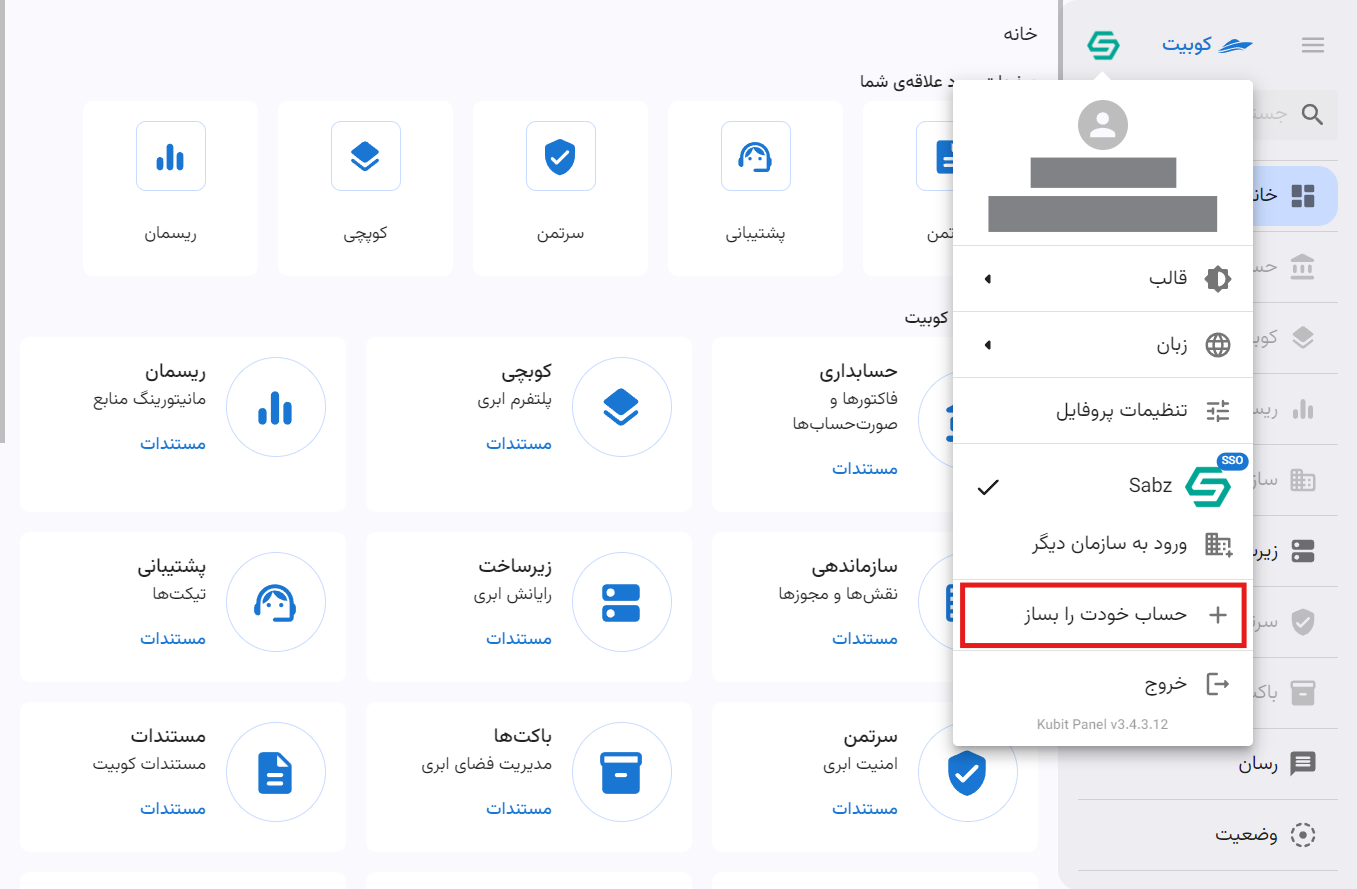
Registration can link the new Kubit account to the same organization membership. Both Kubit and organization sign-in can then reach that membership. See Enter your account information and Confirm your phone number.
Panel language and theme
Use the profile menu to change the interface language and light or dark theme. These choices do not affect roles, permissions, or the active organization.