

Kubernetes (KaaS)
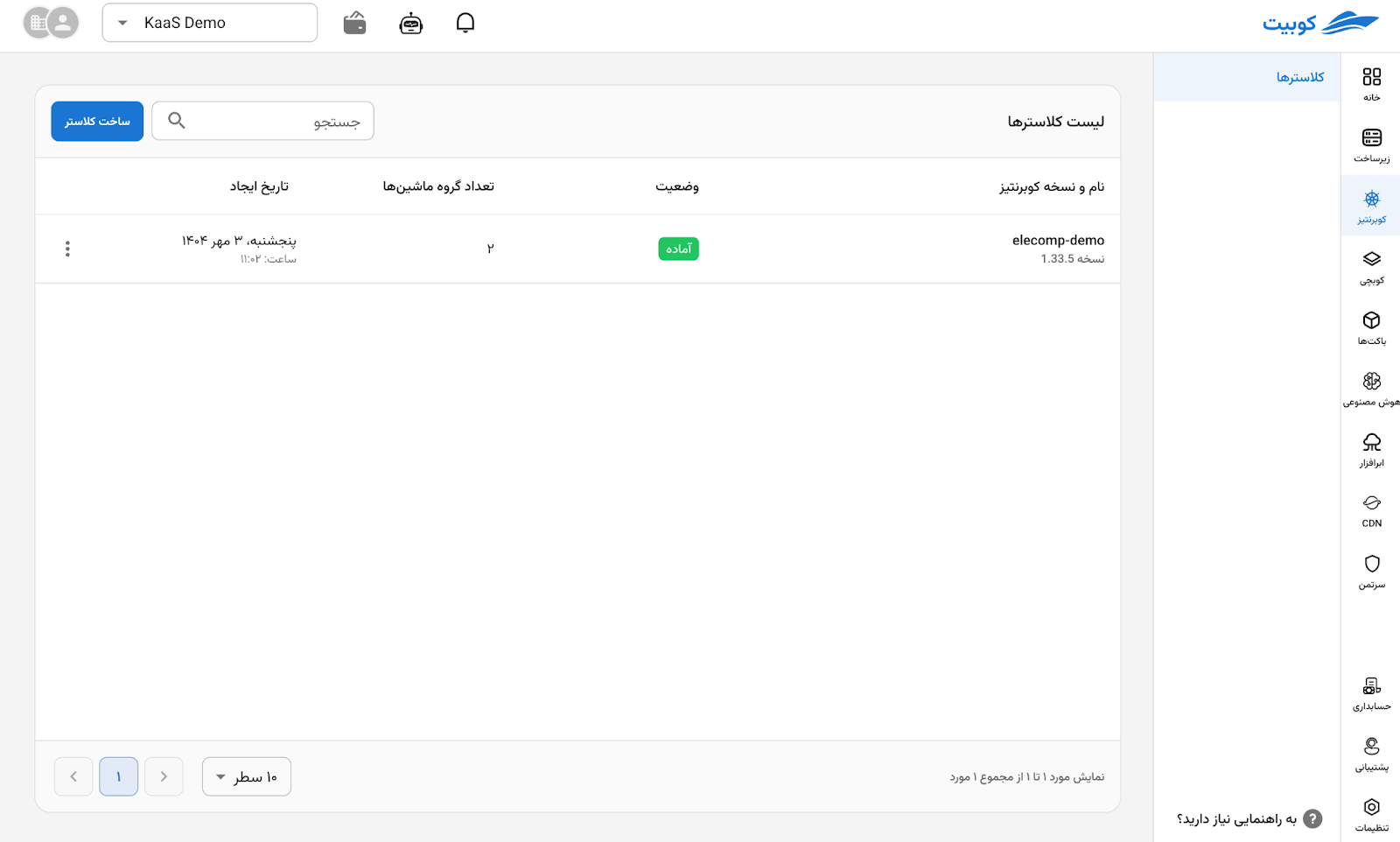
Kubit KaaS helps you create and manage a dedicated Kubernetes cluster from the Kubit panel. Kubit prepares the cluster control-plane infrastructure, while you choose the processing-machine capacity, network, administrator access, and required add-ons.
This service is designed for running containerized applications without requiring you to build the underlying Kubernetes infrastructure yourself. You remain responsible for deploying applications inside the cluster and maintaining their services and data.
Prerequisites
Before opening Kubernetes, select the correct organization, project, and location. Creating a cluster requires:
- a project connected to KaaS and cloud infrastructure;
- sufficient balance and infrastructure quota for the selected machines and disks;
- a subnet and security group;
- the required permission for the action you want to perform.
The Kubit panel only displays Kubernetes versions, images, templates, and add-ons that are currently available for your project and location.
Guides
- Create a cluster: choose the network, administrators, machine groups, and add-ons.
- Manage machine groups: change capacity and manage autoscaling, labels, taints, SSH keys, and machine upgrades.
- Manage add-ons: choose how Kubit manages the cluster and configure optional capabilities.
- Manage a cluster: understand statuses, upgrades, access, and safe deletion.
- Intelligent troubleshooting: use the read-only AI assistant to inspect cluster health, events, and logs.
Creating, updating, and deleting a cluster or machine group takes time. After submitting a request, follow its status in the panel and wait for the operation to finish before making the next change.